
Get your account ready
Two moves get your account verified. Get ready alongside them and you could be live in under 10 minutes.
Account setup
- 1Personal email
Download KAST and register your personal account
Use a personal email — e.g. jane@gmail.com. Registering your personal account speeds up your business verification and unlocks KAST Business.

Scan with your phone camera
- 2Business email
Then, sign up for KAST Business
Switch to KAST Business inside the KAST Personal app you just used — no extra download, no new login. Use a different work address, e.g. jane@company.com. The same email cannot be used twice.
You can also switch to the web version to complete KYB — handy if it is easier to add your business documents there.
Where to sign up in the app
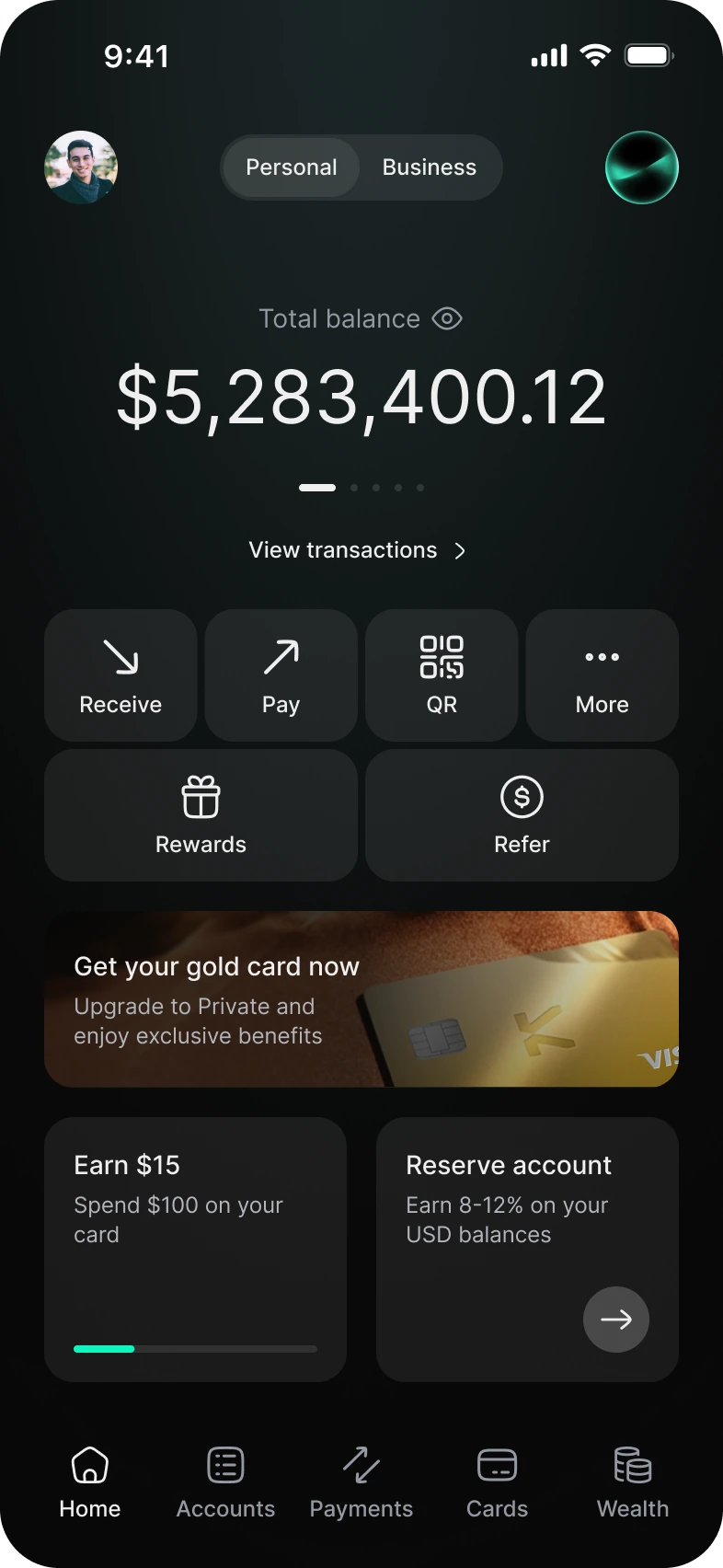
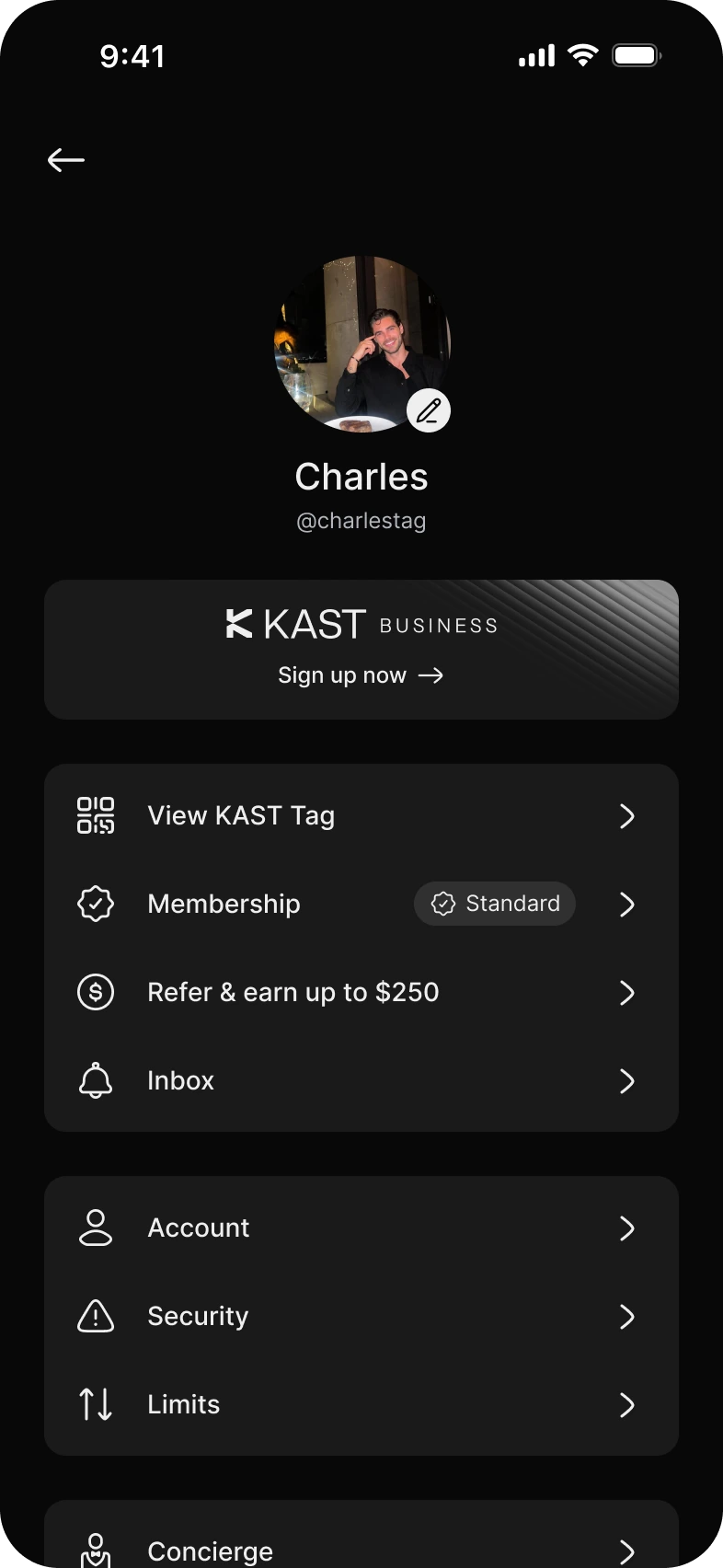
If your shareholders are already verified and your documents are ready, the flow takes under 10 minutes.
Sign up on the web