How to Send a Cash Gift With KAST Payment Links

A cash gift does not need wrapping paper.
Maybe it is your sister’s birthday. Maybe your friend just moved to a new city. Maybe your cousin finally booked that trip, and you want to send a little spending money for the first dinner.
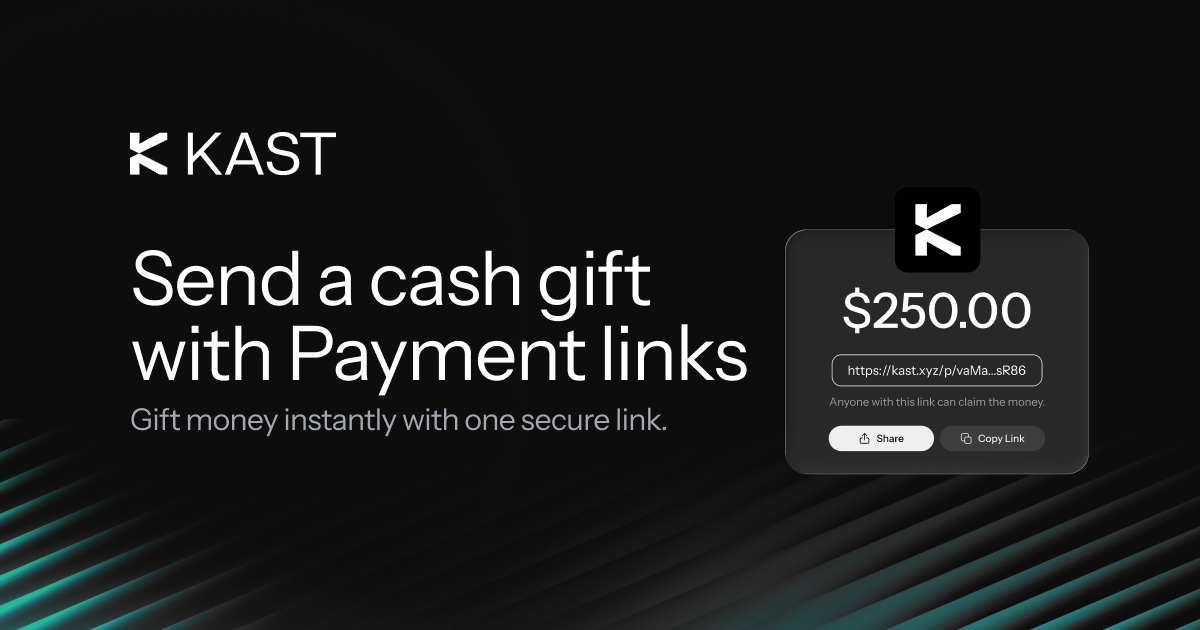
You do not need to ask for account details first. You do not need to wait for a long setup. With KAST Payment Links, you can choose a USD amount, create a secure link, and share it with the person you want to surprise.
They open it. They follow the claim flow. The cash gift lands in KAST after the required steps.
Simple enough for a birthday. Clean enough for a thank-you. Useful enough for real life.
A Cash Gift That Feels Personal
A cash gift works because the recipient can use it how they want.
They can spend it on dinner. They can save it for a trip. They can use it for something practical. They can keep it for later.
That is why sending money can feel better than guessing the right item, color, size, or place. You give them the choice, and KAST Payment Links make the send flow easy.
Here is one version.
Your friend is flying to Paris for the weekend. You want to send $150 for a birthday dinner, a museum day, or one good glass of wine with a view. You open KAST, create a Payment Link, add the amount, and share it in a message.
No long instructions. No account detail hunt. Just a secure link with money waiting behind it.
What Is a KAST Payment Link?
A KAST Payment Link is a secure link tied to one USD payment.
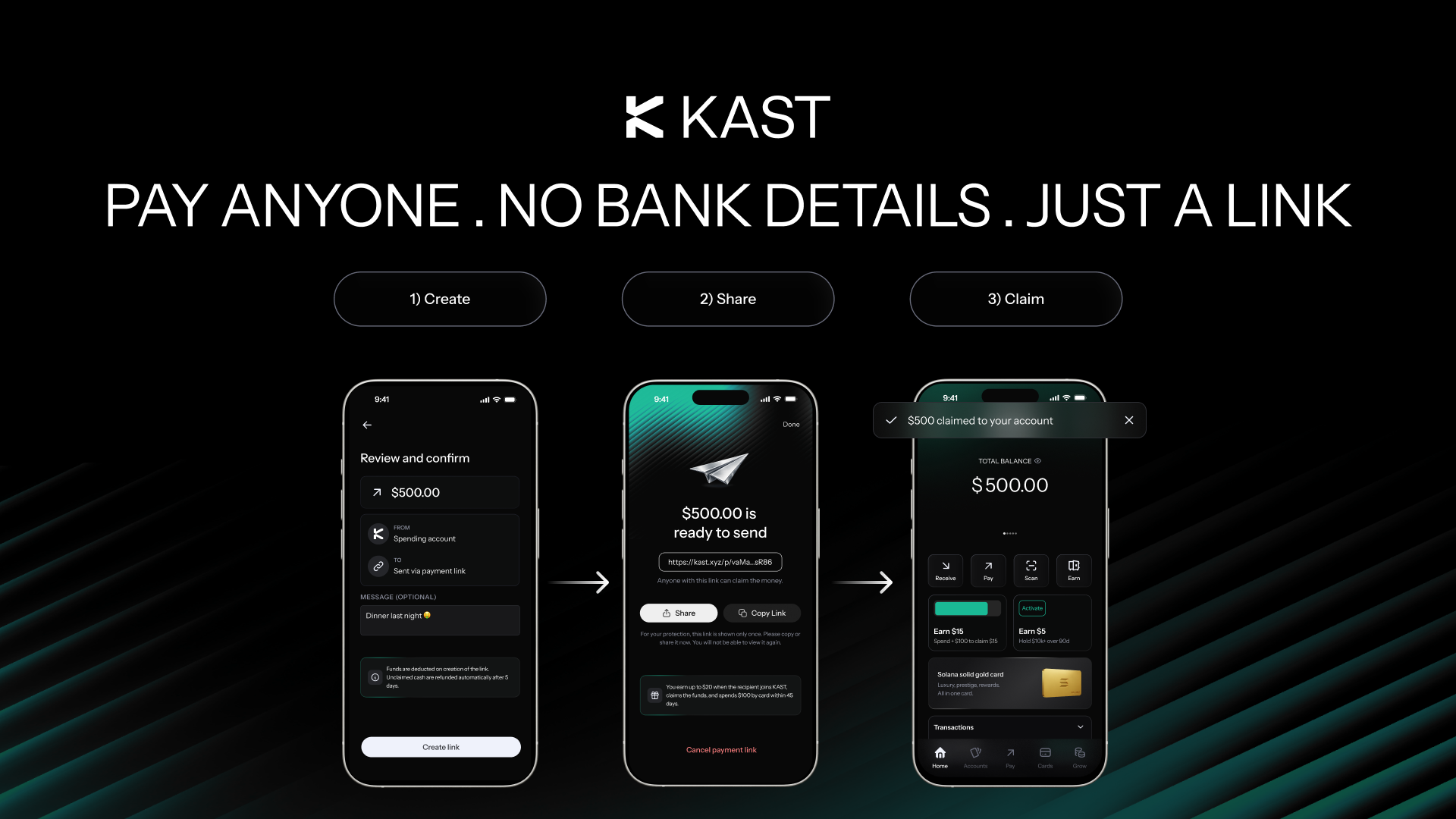
You create the link in KAST and send it to another person. The recipient opens the link, checks the payment details, and continues through the claim flow.
If they already use KAST, they can claim through the app. If they are new to KAST, the link guides them through sign-up and verification before the funds become available.
How to Send a Cash Gift With KAST Payment Links
You can send a cash gift in a few steps.
Once the recipient completes the required steps, the money can be credited to their KAST account.
Cash Gift Ideas That Actually Fit Real Life
A cash gift can be small, thoughtful, practical, or generous. It depends on the moment.
You can make it feel more personal with the message around it.
For example: “Dinner is on me tonight.”
Or: “Use this for the first coffee in your new city.”
Or: “A small gift for your trip. Don’t spend it all at the airport.”
One Link, Many Gift Styles
A cash gift can feel casual or polished.
For a close friend, it can be quick and funny. You send $25 and write, “For the snacks you said you were not buying.”
For a bigger moment, it can feel more planned. You send $300 before a weekend trip and write, “For one good dinner, one nice stop, and one thing you were not planning to buy.”
For family, it can stay simple. You send the amount, share the link, and let them claim it when they are ready.
The link does the payment part. Your message adds the feeling.
New to KAST? They Can Still Claim the Gift
The recipient does not need to have KAST before you create the Payment Link.
If they are new, they can open the link, download KAST, verify their details, and complete the required steps. Once approved, they can receive the money in their KAST account.
That makes Payment Links useful when you want to send a cash gift to someone who is not already in your contacts.
A Cash Gift Can Also Start a Referral
A Payment Link can also work as an invite when the recipient is new to KAST.
If they sign up through your Payment Link, complete the required steps, and meet the KAST referral requirements, you may receive [insert referral amount].
Standard referral rules apply, including eligibility, account approval, successful claim, reward timing, and any required qualifying actions.
For full reward rules, eligibility, and timing, check the KAST referral terms in the app or on our Terms and Conditions page.
What to Know Before You Send
Before you share a Payment Link, check the basics.
KAST does not charge you a fee to create a Payment Link. The recipient also pays no fee when they claim the money into their KAST balance.
Your current limits may appear in the KAST app.
Send a Cash Gift From KAST
A good gift does not always need a delivery address.
Open KAST, choose the amount, create your Payment Link, and send it to the person you want to gift.
They open it. They claim it. They decide how to use it.
Send a cash gift with a link, right from KAST.

.png)