App Features

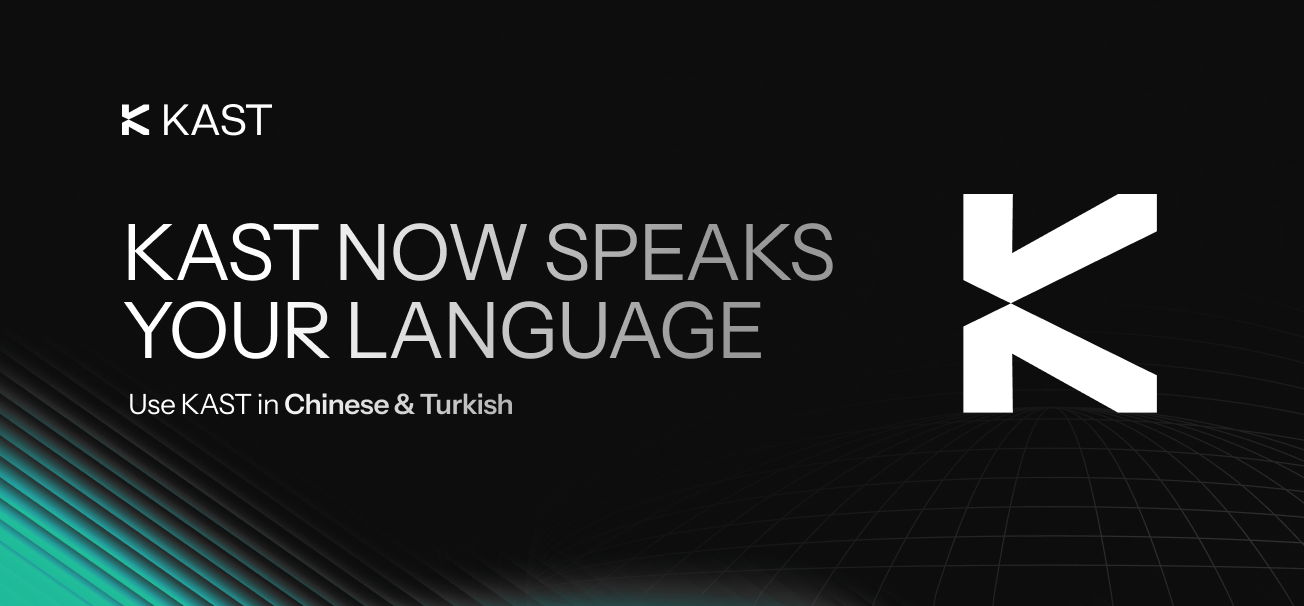
Use KAST in Chinese and Turkish

If English is not your first language, using a finance app can feel harder than it should.

You may pause at labels, miss small details, and take more time to finish simple tasks.

Now you can use KAST in Chinese, Turkish and go through the app in your own language.

What You Can Do

  • Switch KAST to Chinese or Turkish n seconds
  • Read menus, buttons, and flows in your preferred language
  • Complete everyday actions with fewer mistakes
Find out how to use KAST in Chinese and how to change your app language here.

Why This Helps

Less Friction, Faster Actions

When the app speaks your language, you move faster.

You spot options quickly and finish tasks with more confidence.

As a result, simple actions stay simple.

Fewer Errors

Language gaps cause small mistakes.

Clear labels reduce missed steps and wrong taps.

Therefore, you spend less time fixing things.

A More Personal Experience

Your app should fit you, not the other way around.

Language choice helps the app feel familiar.

That makes daily use smoother.

Learn how to use KAST in Turkish and see how to switch your app language here.

How It Works

Change Your App Language

KAST App → Home → Account → Language → Select Chinese, Turkish...

The app updates right away. You can switch back at any time.

Ready?

Switch your language in the KAST app now and use KAST in the language that feels natural to you.

Disclaimer: This content is for general informational purposes only and does not constitute investment, legal, tax, or financial advice. Digital assets involve high risk and may result in total loss. Please do your own research and consult professional advisors before making any decisions. Read full disclaimer here.

Spend your crypto like cash.

USDC, USDT & USDe. Global reach. Instant card.

Share this post

Readers also like:

KAST Payment Links Are Here: Send Money With Just a Link

Send money with KAST Payment Links using a secure single-use link, without collecting account details before payment.
Read

How Google Authenticator and Transaction Limits Help Protect Your KAST Account

Learn how Google Authenticator and transaction limits help protect your KAST account, transfers, card spending, and verification channels.
Read

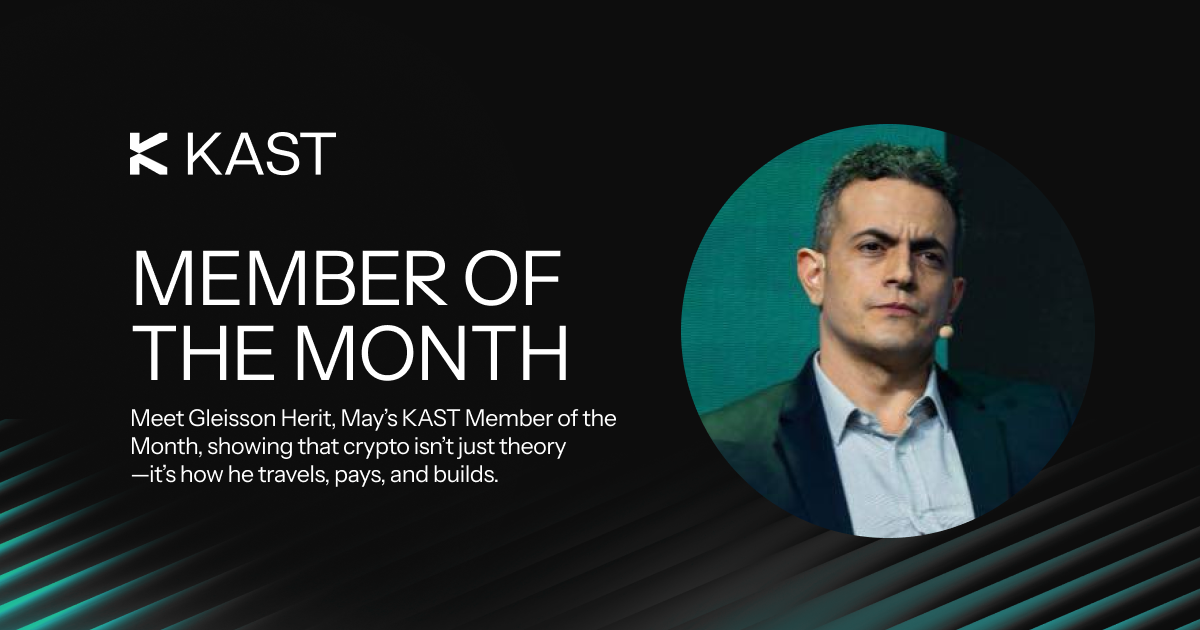
KAST Member of the Month: Meet Gleisson Herit

Meet Gleisson Herit, KAST’s May Member of the Month, and learn how he uses KAST for travel, business, and crypto payments.
Read

Explore KAST Academy

What is Pudgy Penguins

What Is Pudgy Penguins and How to Get the Pengu Crypto Card?

Pudgy Penguins started as a 2021 NFT collection but has grown into a global brand with retail toys, a loyal community, and the PENGU token. Now, with the Pengu Card powered by KAST, that identity extends into everyday spending, letting you use crypto or fiat at 150M+ merchants and ATMs worldwide.
Read
Read article
The real risks behind stablecoins

Can a Stablecoin Lose Its Value? Real Risks Explained

Stablecoins are designed to hold a $1 value, but history shows they can lose their peg. This guide explains how stablecoins work, why depegs happen, which designs are riskier, and how KAST decides which stablecoins to support.
Read
Read article
What Are Crypto Wallets

Crypto Wallets 101: How They Work, and How to Keep Your Funds Safe

A crypto wallet doesn’t actually store your crypto, it gives you access to it. In this guide, learn how crypto wallets work, the different types available, and how to choose the right one while keeping your funds secure.
Read
Read article
As seen in
Press enquiries

Got a media enquiry?

If you have a media enquiry, please get in touch with us at media@kast.xyz. For customer questions, please use support@kastcard.com.

A moody, cloudy sky in black & white
Get KAST
Get KAST