Your KAST Cashback Is Ready. Here’s How You Redeem It

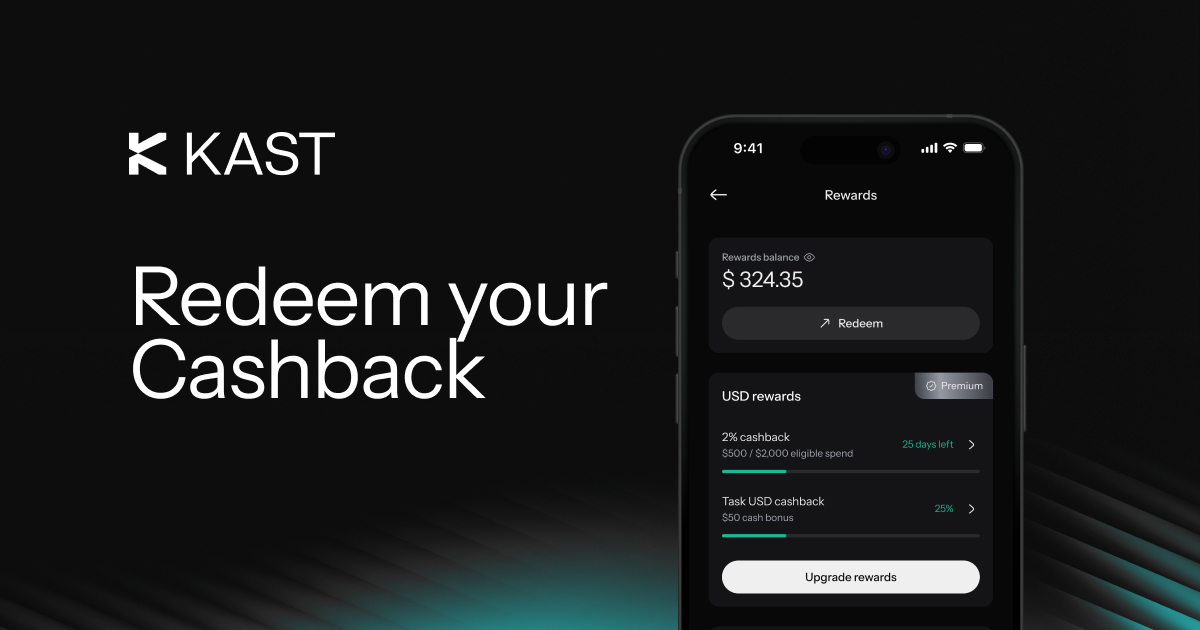
You made the purchase. You earned the cashback. Now comes the good part.
Inside KAST, redeeming cashback is simple once your cashback is available. Once you do that, we move it into your card spending account, and then it gets first priority on your next eligible card purchase. No extra setup. No separate payment flow. You redeem it, and we do the rest.
That is the moment this stops feeling like a reward sitting on a screen and starts becoming something you can actually use.
You earned it. Now you redeem it.
The cashback journey in KAST is simple.
First, you earn cashback through eligible card spend. Then it appears in your Rewards section. After that, once it becomes available, you can redeem it in the app and prepare it for your next eligible card transaction.
Here is the flow:
How to redeem cashback in the KAST app
The process is short and clear.
You open the KAST app and go to Rewards. Then you tap Redeem, proceed, enter the amount, review the details, and confirm. Once that is done, your redeemed cashback is ready to spend.
.png)
Redemption is manual. That means your cashback stays in your Rewards Balance until you decide to move it.
What happens after you redeem
Once you redeem cashback, that amount becomes Redeemed inside your Rewards Balance as a separate spendable sub-balance.
After that, it gets first priority on your next eligible card purchase. You do not need to apply it manually. You do not need to select it at checkout. It is already set up.
Here is a simple example.
Let’s say you redeem $12. Then you make a $5 purchase. We use $5 from that redeemed cashback, and $7 remains as redeemed cashback inside your Rewards Balance.
Now take another case. You redeem $12, then spend $30. We apply the redeemed $12 first. Then the remaining $18 comes from your card spending account balance.
So, redeemed cashback works like ready-to-spend value inside KAST.
See how KAST cashback redemption works
A quick story: from reward to real use
Picture this.
You paid for something with your KAST Card earlier this week. Later, you open the app and see cashback waiting in Rewards. You tap Redeem, confirm it, and close the app.
Then your next card purchase comes up. Maybe it is coffee. Maybe it is a ride. Maybe it is something bigger. Either way, the redeemed cashback steps in first and covers what it can.
That is the whole idea. You already earned the reward. Now you are putting it to work.
What Redeemable and Locked mean
Your cashback can appear in two states inside the app. Each one tells you where that balance is in the process.
If your cashback shows as Redeemable, you can move it right away.
If it shows as Locked, it means you have earned it, but it is not available to redeem yet. This can happen because of redemption timing rules or risk controls.
Why cashback may still be locked
Locked cashback does not mean it disappeared. It means it is still in the waiting stage.
For the current release, cashback has a 14-day holding period before it becomes redeemable. Redemption is also limited to users in card-supported countries. In some cases, cashback may still be restricted because of risk controls.
So, if the Redeem button is missing or inactive, the first thing to check is the label attached to your cashback balance inside Rewards.
That status usually explains the reason.
What to do if you cannot redeem it yet
If redemption is not available, there are a few things worth checking.
- Check whether the balance says Locked
- Wait if your cashback is still within the holding period
- Confirm that redemption is available in your country
- Contact KAST Concierge if the issue continues
These are the most common reasons cashback is not ready to move.
What redeemed cashback can and cannot do
Redeemed cashback is designed for card purchases inside KAST.
It cannot be withdrawn to a bank account. It also cannot be sent to an external wallet. Instead, once redeemed, it stays inside KAST and becomes available for eligible card spending.
This keeps the flow simple. You earn cashback, redeem it in the app, and use it on card purchases without any extra transfer step.
What happens if a cashback-earning purchase is refunded
Refunds can change your rewards balance.
If a transaction that earned cashback is later refunded or reversed, the related reward may be clawed back. We first deduct that amount from your Rewards Balance. If that is not enough, the remaining amount is taken from your card spending account.
So, if your balance drops after a refund, that may be the adjustment tied to the original cashback-earning purchase.
Join KAST and start earning cashback you can actually use.
Learn more about how cashback moves from Locked to Redeemable and Redeemed in the KAST Rewards Program Terms and Conditions.