App Features

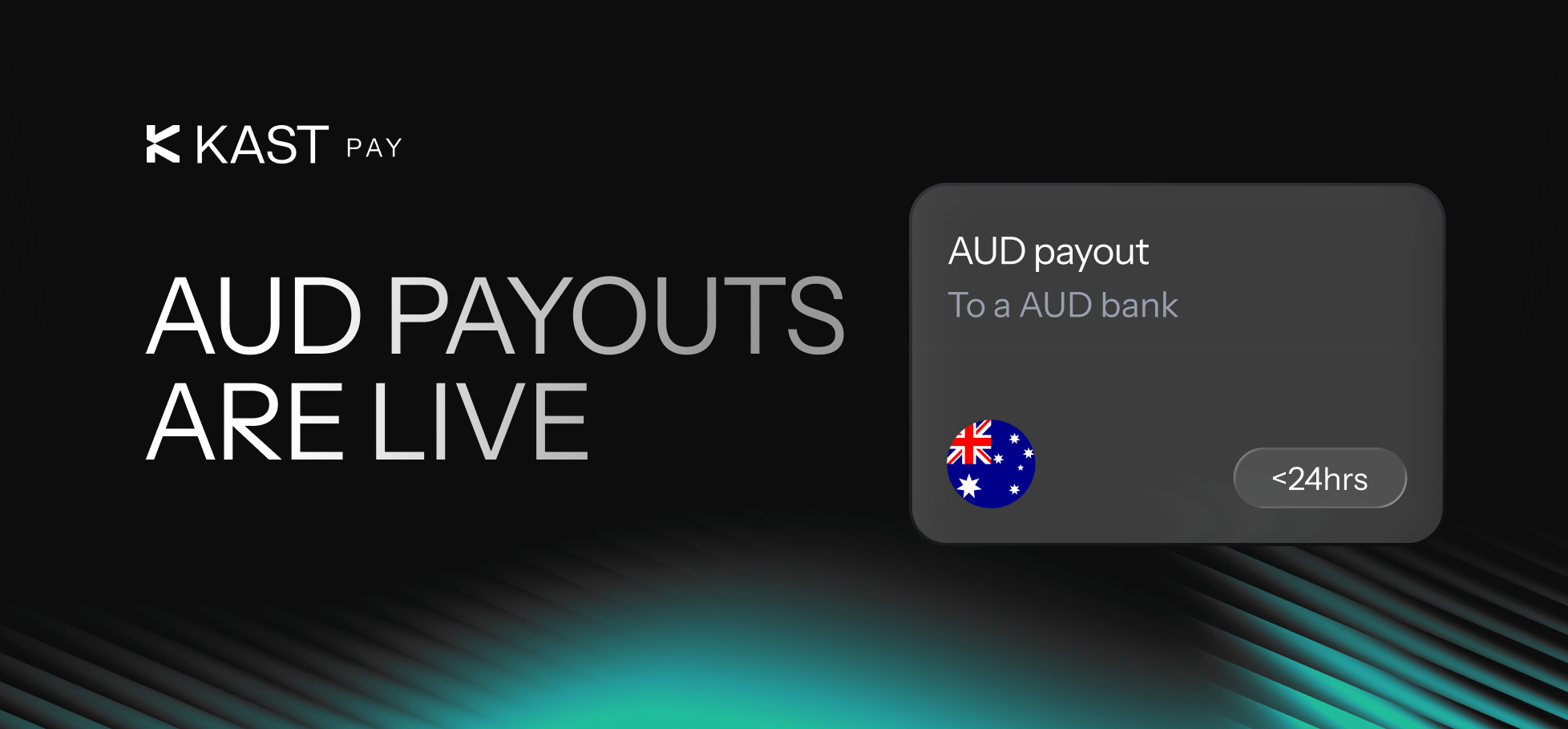
AUD Payouts Are Live

You can now send AUD payouts from your account. It’s available for everyone, and it usually settles in under 15 minutes.

What You Can Do

You can send Australian dollars to an Australian bank account inside the app, and you see the fees before you confirm, so you know the final amount upfront. For example, you need to send 2,000 AUD to someone in Australia. You select AUD, add their bank details, and review the preview screen. It shows the FX rate, the 1% FX fee, and the $4 USD fixed fee. After you confirm, the transfer typically completes within minutes.

Key Details

  • Settlement time: Instant in most cases (under 15 minutes)
  • Fees: 1% FX fee + $4 USD fixed fee
  • Limits: 10 AUD minimum and 100,000 AUD maximum per transfer

How to Send an AUD Payout

  1. Open KAST Pay
  2. Tap Local currency payout
  3. Select AUD
  4. Enter the recipient’s bank details
  5. Review the final amount and fees
  6. Confirm
Read the step by step guide and send your first AUD payout here

Quick Check Before You Confirm

  • Bank details are correct
  • Amount is within 10 AUD to 100,000 AUD
  • You reviewed the FX rate and fees on the preview screen

AUD payouts add another local bank rail inside KAST Pay, so you can send funds to Australia from the same place you already manage your balance.

Open KAST Pay, select AUD, and complete your first payout.

Disclaimer: This content is for general informational purposes only and does not constitute investment, legal, tax, or financial advice. Digital assets involve high risk and may result in total loss. Please do your own research and consult professional advisors before making any decisions. Read full disclaimer here.

Spend your crypto like cash.

USDC, USDT & USDe. Global reach. Instant card.

Share this post

Readers also like:

How to Send a Cash Gift With KAST Payment Links

Send a cash gift with KAST Payment Links using a secure single-use link, without asking for account details first.
Read

KAST Payment Links Are Here: Send Money With Just a Link

Send money with KAST Payment Links using a secure single-use link, without collecting account details before payment.
Read

How Google Authenticator and Transaction Limits Help Protect Your KAST Account

Learn how Google Authenticator and transaction limits help protect your KAST account, transfers, card spending, and verification channels.
Read

Explore KAST Academy

What is Pudgy Penguins

What Is Pudgy Penguins and How to Get the Pengu Crypto Card?

Pudgy Penguins started as a 2021 NFT collection but has grown into a global brand with retail toys, a loyal community, and the PENGU token. Now, with the Pengu Card powered by KAST, that identity extends into everyday spending, letting you use crypto or fiat at 150M+ merchants and ATMs worldwide.
Read
Read article
The real risks behind stablecoins

Can a Stablecoin Lose Its Value? Real Risks Explained

Stablecoins are designed to hold a $1 value, but history shows they can lose their peg. This guide explains how stablecoins work, why depegs happen, which designs are riskier, and how KAST decides which stablecoins to support.
Read
Read article
What Are Crypto Wallets

Crypto Wallets 101: How They Work, and How to Keep Your Funds Safe

A crypto wallet doesn’t actually store your crypto, it gives you access to it. In this guide, learn how crypto wallets work, the different types available, and how to choose the right one while keeping your funds secure.
Read
Read article
As seen in
Press enquiries

Got a media enquiry?

If you have a media enquiry, please get in touch with us at media@kast.xyz. For customer questions, please use support@kastcard.com.

A moody, cloudy sky in black & white
Get KAST
Get KAST